Hosted service
Registration unverifiedThe hosted entry is pods.undefineds.co. Registration, quotas, and availability have not been verified, so there is no sign-up button here.
Xpod
Files, conversations, and working records need a home. Xpod lets applications work around your data, with deliberate choices about where it lives and how it is accessed.

Explore the hosted service or follow the documentation to deploy in your own environment. Compare the requirements, maintenance responsibilities, and current availability of each path.
The hosted entry is pods.undefineds.co. Registration, quotas, and availability have not been verified, so there is no sign-up button here.
The official documentation requires Bun 1.3+ or Node 22+. Local mode uses SQLite and local disk, with no Redis or MinIO needed.
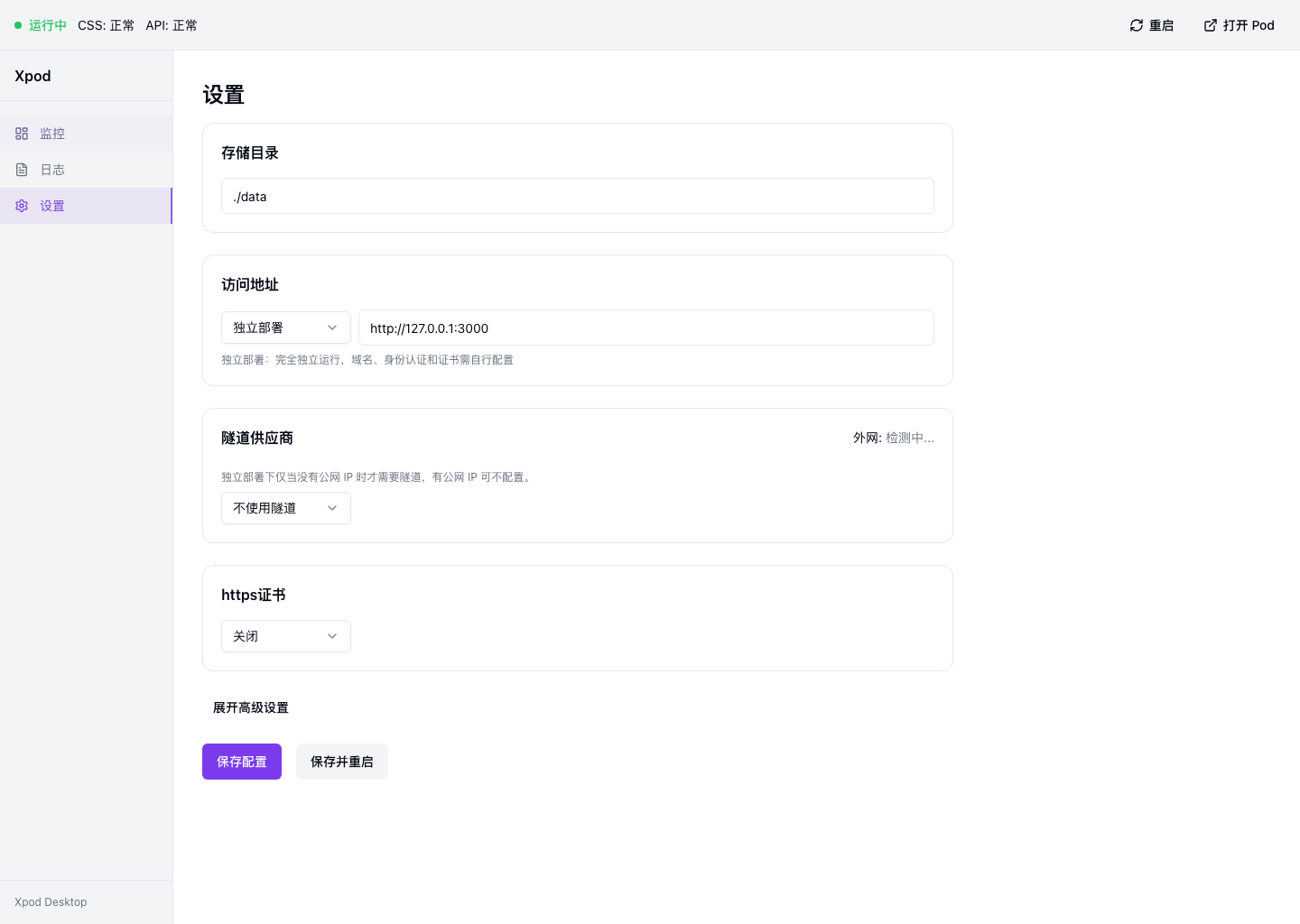
Before granting an application access, understand what it wants to read and write. The storage and access guide explains permission settings, revocation methods, and their scope.
Where data is stored does not by itself tell you where an AI request goes. When using an external model, understand which content is included in the request and which provider receives it.
Which files you can export, how relationships are preserved, and what the receiving application can read all affect whether a move is complete. Follow the documented support scope and keep a backup before migration.
Start with deployment and authentication, then explore data access, permissions, and drizzle-solid. Build applications that fit around a person's data, so changing tools does not have to mean starting from scratch.
Decide where the data lives and who can reach it first, then choose how to run it.